Search tab
Search shows the map on the left and permit details on the right. The right side starts mostly empty; search from the box above the map with an address or permit number to load a record. Use Data Source to change which City records you are searching.
The tour below already has a permit open so you can follow this tab’s full intended workflow.
Open OneStopPGH Insights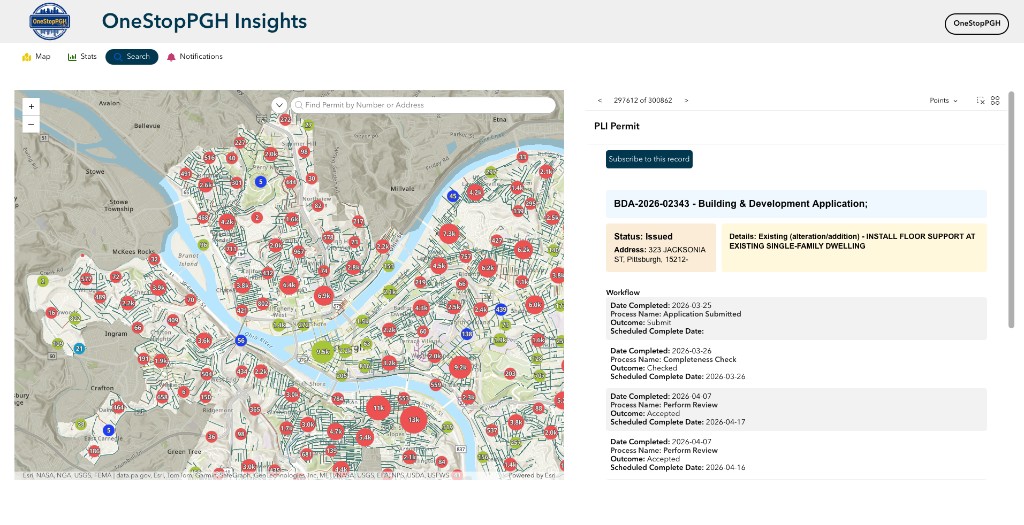
1
2
3
4
5